Add concert ticket to calendar from photo: Step-by-Step
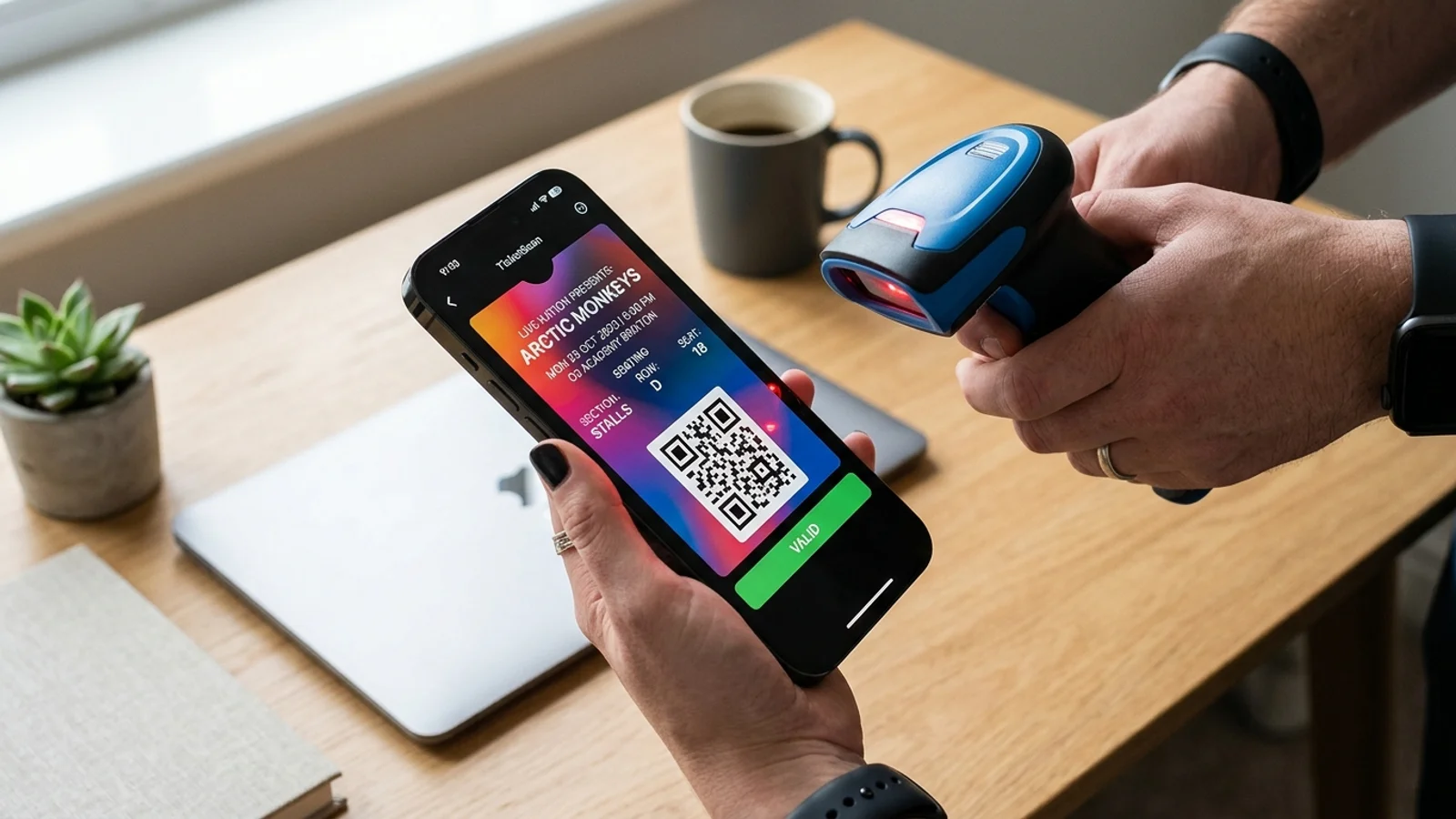
Add concert ticket to calendar from photo: Step-by-Step
We have all been there. You buy a concert ticket, receive a confirmation email with a screenshot or a PDF barcode, and then forget the date until it is too late. Manually inputting event details into your digital calendar is tedious, prone to errors, and frankly, a waste of time. If you want to streamline your event planning, learning how to add a concert ticket to calendar from photo is the ultimate life hack.
Why You Should Digitize Your Concert Schedule
Keeping your concert schedule in a digital calendar offers more than just reminders. It allows you to block out travel time, set notifications for when doors open, and share your plans with friends. By converting your ticket photos into calendar events, you ensure that every detail—from the venue address to the exact start time—is synced across your devices.
For more tips on managing your busy schedule, check out our guide on organizing your digital life.
Manual vs. Automated Calendar Entry
Traditionally, people copy-paste details from tickets. This often leads to missed dates or wrong times. Automated tools, however, use OCR (Optical Character Recognition) to scan your ticket photo and extract the relevant data points instantly.
If you prefer to automate your workflow, our article on automating event planning provides deeper insights into why manual entry is a thing of the past.
How to Add a Concert Ticket to Calendar from Photo
Using a dedicated app like Photo2Calendar makes this process seamless. Follow these steps to get organized:
- Take a Screenshot: Ensure the ticket clearly shows the event name, date, and time.
- Open Photo2Calendar: Select the image from your camera roll.
- Extract Data: The app will automatically read the text from your ticket.
- Confirm Details: Verify the date, time, and location fields.
- Save to Calendar: Tap sync to push the event directly to your Apple or Google Calendar.
Tips for Managing Multiple Event Tickets
If you attend frequent concerts, keeping your calendar clean is essential. Use color-coding for different venues or event types. Set your primary alert for two hours before the event so you have plenty of time to commute. By consistently using an automated tool to add a concert ticket to calendar from photo, you eliminate the risk of double-booking or missing a show entirely.
Start Syncing Your Events Today
Don't let another concert pass you by because you forgot to check your email. Take control of your schedule by turning every ticket, flyer, and digital pass into a calendar event in seconds. Ready to simplify your life? Download Photo2Calendar today and start converting your screenshots into scheduled events with a single tap.