Add Conference Schedule to Calendar: The Fast Way
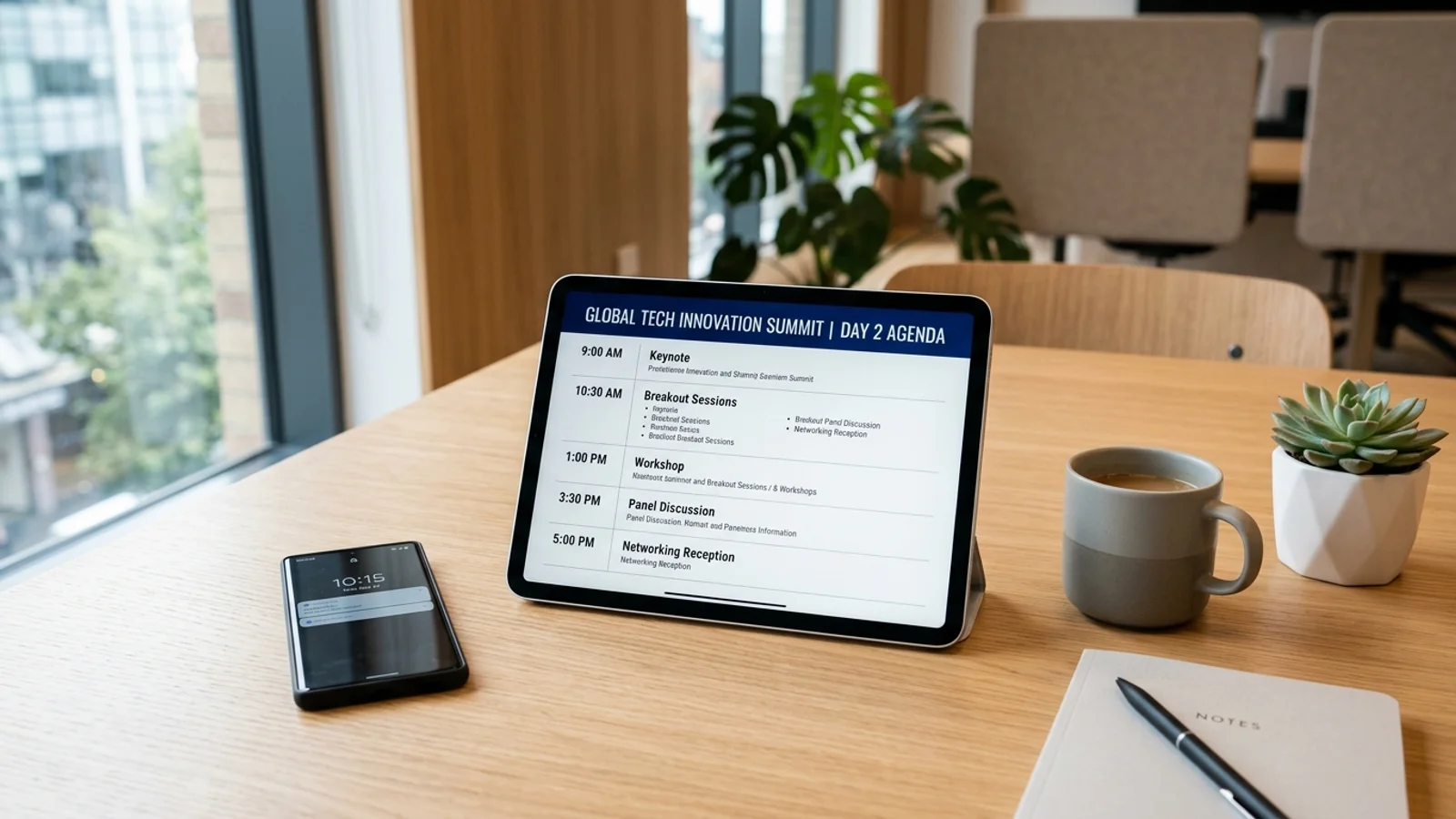
Add Conference Schedule to Calendar: The Fast Way
Business conferences are notorious for their complex agendas. You receive a 20-page PDF or a high-resolution image of a flyer, and suddenly you are tasked with manually inputting every keynote, breakout session, and networking lunch into your phone. It is tedious, prone to error, and a massive waste of time for any busy professional.
If you are tired of toggling between a PDF reader and your calendar app, you need a smarter workflow. In this guide, we will show you how to streamline your event management so you can focus on making connections instead of data entry.
The Problem with Static Conference Agendas
Event organizers love PDFs. They are easy to share and look great on a screen. However, they are essentially digital paper. You cannot click on a session to save it, and your phone’s calendar cannot "read" the text trapped inside a static file. This forces professionals to manually type out event titles, locations, and times, which often leads to typos or forgotten sessions.
For those attending back-to-back industry events, this manual process is unsustainable. Efficiency is the key to surviving a busy conference circuit.
How to Digitally Capture Event Details
Modern technology allows you to bridge the gap between static flyers and your digital schedule. Instead of manual entry, you should look for tools that utilize Optical Character Recognition (OCR) to extract text directly from images. This process turns a flat image into structured data that your calendar can understand.
By automating this, you ensure that:
- Event times are accurate to the minute.
- Location details are linked to maps.
- Conflicts are flagged immediately by your calendar app.
- You have more time for networking and prep.
For more tips on optimizing your travel workflow, check out our guide on organizing your business travel.
Step-by-Step: From PDF to Calendar
To move from a disorganized PDF to a clean, synced calendar, follow this professional workflow:
- Capture the Flyer: Take a clear screenshot of the schedule page from your PDF or flyer.
- Extract the Data: Use an intelligent tool to scan the image. Ensure the software recognizes the date, start time, end time, and session title.
- Verify and Sync: Quickly review the parsed data before hitting 'Add to Calendar' to ensure the time zone settings are correct.
- Set Alerts: Add a 10-minute reminder for each session so you never miss a start time.
If you are interested in how technology can further reduce your cognitive load, read our article on productivity hacks for frequent travelers.
Why Automation Wins for Business Travelers
When you are on the road, your phone is your lifeline. A cluttered calendar is a liability. By automating the way you add conference schedule to calendar entries, you reduce the 'admin tax' of attending events. You no longer need to carry printed programs or worry about losing track of venue changes. Your phone becomes a proactive assistant that guides you through your day.
Stop wasting hours on manual scheduling. With the Photo2Calendar app, you can instantly turn any conference flyer or screenshot into a perfectly formatted calendar event. Simply snap a photo of the agenda, let our AI handle the parsing, and watch your calendar populate in seconds. Download Photo2Calendar today and make your next conference stress-free.