Add Dance Class Schedule to Calendar: A Quick Guide
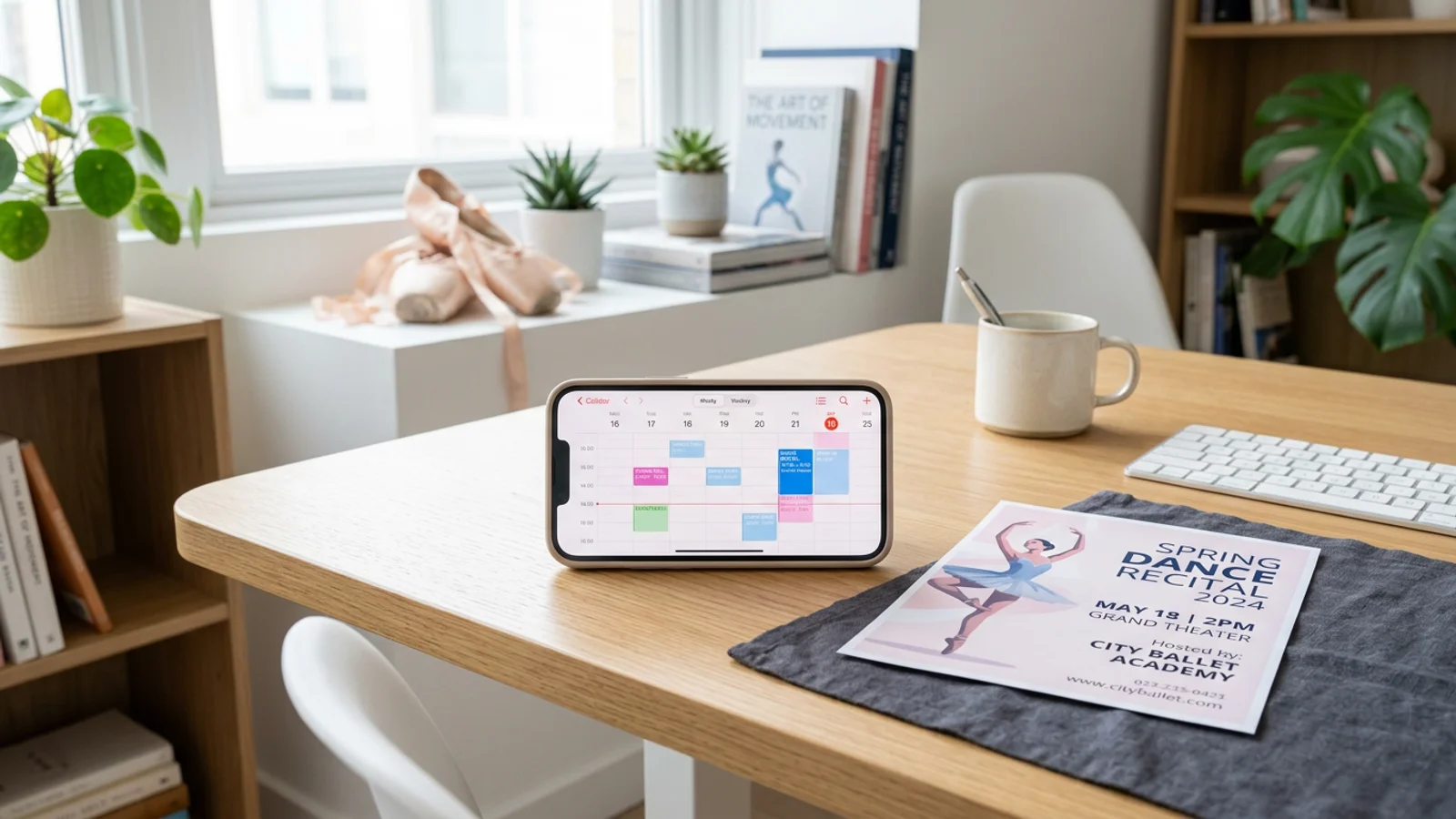
Add Dance Class Schedule to Calendar: A Quick Guide
If you are a parent, you know the drill. Your child brings home a crumpled flyer with a complex schedule of dance rehearsals, costume fittings, and recital dates. You stare at the paper, then at your phone, and then at the mounting pile of laundry. The thought of manually typing every single date into your digital calendar is enough to make anyone want to skip the recital entirely.
Managing extracurricular activities shouldn't feel like a part-time job. With OCR (Optical Character Recognition) technology, you can stop being a data entry clerk and start being a present parent. Here is how you can simplify your life and add your dance class schedule to your calendar in seconds.
The Problem with Manual Scheduling
We have all been there. You hold the paper schedule in one hand, your phone in the other, and try to switch between windows without making a typo. One wrong digit, and you are missing a dress rehearsal or showing up at the wrong time. This manual process is not just tedious; it is prone to human error and adds to the invisible mental load that parents carry daily.
Digital calendars are powerful, but only if they are accurate. When you rely on typing, you are more likely to skip events or forget to set reminders. To learn more about why manual entry is the enemy of productivity, check out our guide on breaking the manual entry cycle.
How OCR Technology Changes the Game
OCR technology works by scanning the text on a document, flyer, or screenshot and converting it into machine-readable data. Instead of typing, you are simply verifying. When you use an app like Photo2Calendar, you are essentially skipping the "typing" phase of the process.
This is a game-changer for multi-day events like dance recitals where you have different times for "Stage Setup," "Hair & Makeup," and "Performance Times." You don't need to be a tech expert to use these tools; if you can take a photo, you can organize your life.
Step-by-Step: Adding Your Dance Schedule
Follow these simple steps to move from a paper flyer to a fully synced calendar:
- Capture the Flyer: Open your app and snap a clear photo of the dance schedule. Make sure the text is well-lit and readable.
- Review the OCR Data: The app will automatically identify the dates, times, and event titles. Take a quick look to ensure the software captured the details correctly.
- Confirm and Sync: With one tap, the app pushes these events directly to your phone’s calendar, complete with reminders.
- Set Your Reminders: Since these are now digital events, you can set alerts for 30 minutes before, or even the day before, so you never miss a cue.
For more tips on managing busy family calendars, read our article on mastering the family calendar.
Why This Matters for Your Mental Load
The beauty of this method isn't just about saving five minutes of typing. It is about the peace of mind that comes from knowing your calendar is a reliable source of truth. When the dance studio releases a change in the schedule, you can simply take a new photo and update your calendar in moments. No more guessing, no more "I thought it was at 5:00 PM," and no more stress.
Managing your child’s activities should be about supporting their passions, not getting lost in the logistics. By automating the boring parts of scheduling, you reclaim your time and headspace for the things that truly matter.
Start Simplifying Today
Ready to stop typing and start living? Stop wasting your evenings manually entering dates from flyers and screenshots. Download Photo2Calendar today and see how easy it is to add your dance class schedule to your calendar instantly. Spend less time organizing and more time watching your child shine on stage.