Add Doctor Appointments to Calendar from Photo Instantly
Add Doctor Appointments to Calendar from Photo Instantly
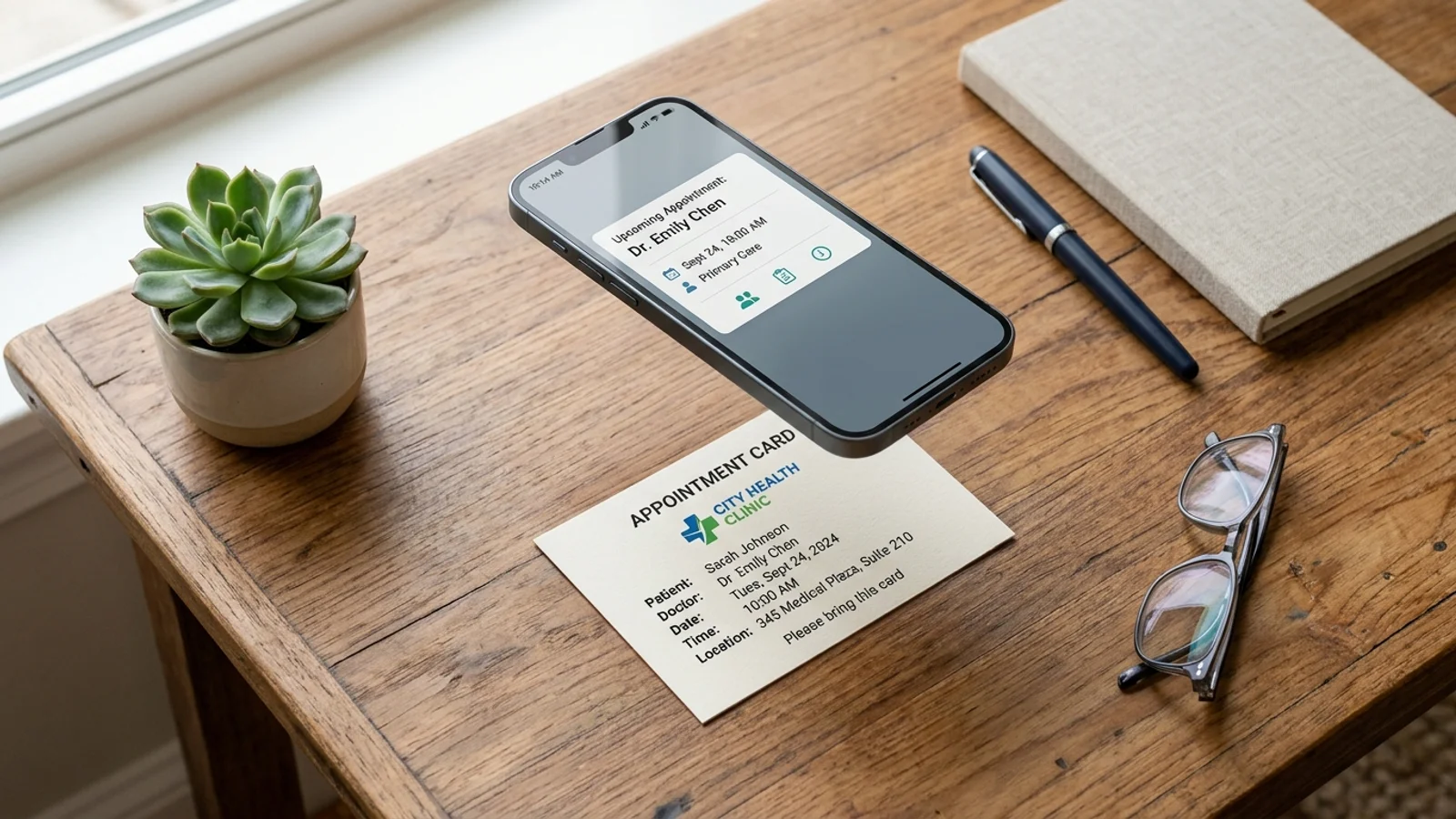
Managing your health is a full-time job. Between routine physicals, specialist consultations, and dental cleanings, keeping track of dates can feel overwhelming. When the front desk hands you a physical appointment card, it often ends up lost in a purse or buried under mail. Fortunately, you can now add doctor appointments to calendar from photo using OCR technology, ensuring you never miss a check-up again.
The Problem with Manual Appointment Entry
We have all been there: you leave the clinic with a small card, promise yourself you will add it to your digital schedule later, and then completely forget. By the time you remember, you might have already missed the window to reschedule or prepare for the visit. Manual data entry is tedious, prone to typos, and frankly, a waste of time in our digital-first world.
For caregivers managing appointments for children or aging parents, this problem is magnified. Keeping a centralized, digital record is essential for coordination. If you are struggling to keep track of multiple schedules, check out our guide on organizing family schedules efficiently.
How OCR Technology Simplifies Scheduling
OCR, or Optical Character Recognition, is the secret weapon for busy patients. This technology scans the text within an image—like your appointment card—and extracts the relevant data: the doctor's name, the date, and the time. Instead of typing everything out, you simply snap a photo.
By leveraging this technology, you bridge the gap between physical documentation and digital organization. It is the fastest way to ensure your phone alerts you before you miss an important consultation.
Steps to Digitize Your Medical Calendar
Digitizing your appointments takes seconds. Follow these steps to streamline your health management:
- Take a clear photo: Ensure the appointment card is well-lit and the text is legible.
- Use an OCR-powered app: Open an application designed to interpret appointment data.
- Verify the details: Most apps will parse the date, time, and location automatically.
- Save to your calendar: Sync the event directly to your preferred digital calendar (Google, iCloud, or Outlook).
Once the event is synced, you can set custom reminders, such as a notification 24 hours before the visit or a reminder to fast if required. For more tips on optimizing your workflow, read our article on productivity hacks for busy lives.
Why Caregivers Need Digital Syncing
If you are a caregiver, your time is limited. You cannot afford to rely on physical paper trails. Digital calendars allow you to share appointments with other family members, ensuring that everyone is on the same page. When you add doctor appointments to calendar from photo, you create a source of truth that is accessible from anywhere.
Conclusion: Take Control of Your Health Schedule
Do not let another important health check-up slip through the cracks. By digitizing your appointment cards, you gain peace of mind and better control over your medical journey. Stop manually typing dates and start using smart technology to do the work for you.
Ready to get organized? Download Photo2Calendar today. Simply snap a photo of your appointment card, and our app handles the rest, instantly syncing your doctor visits to your digital calendar so you can focus on what really matters—your health.