Add Gym Class Schedule to Calendar from Photo Instantly
Add Gym Class Schedule to Calendar from Photo Instantly
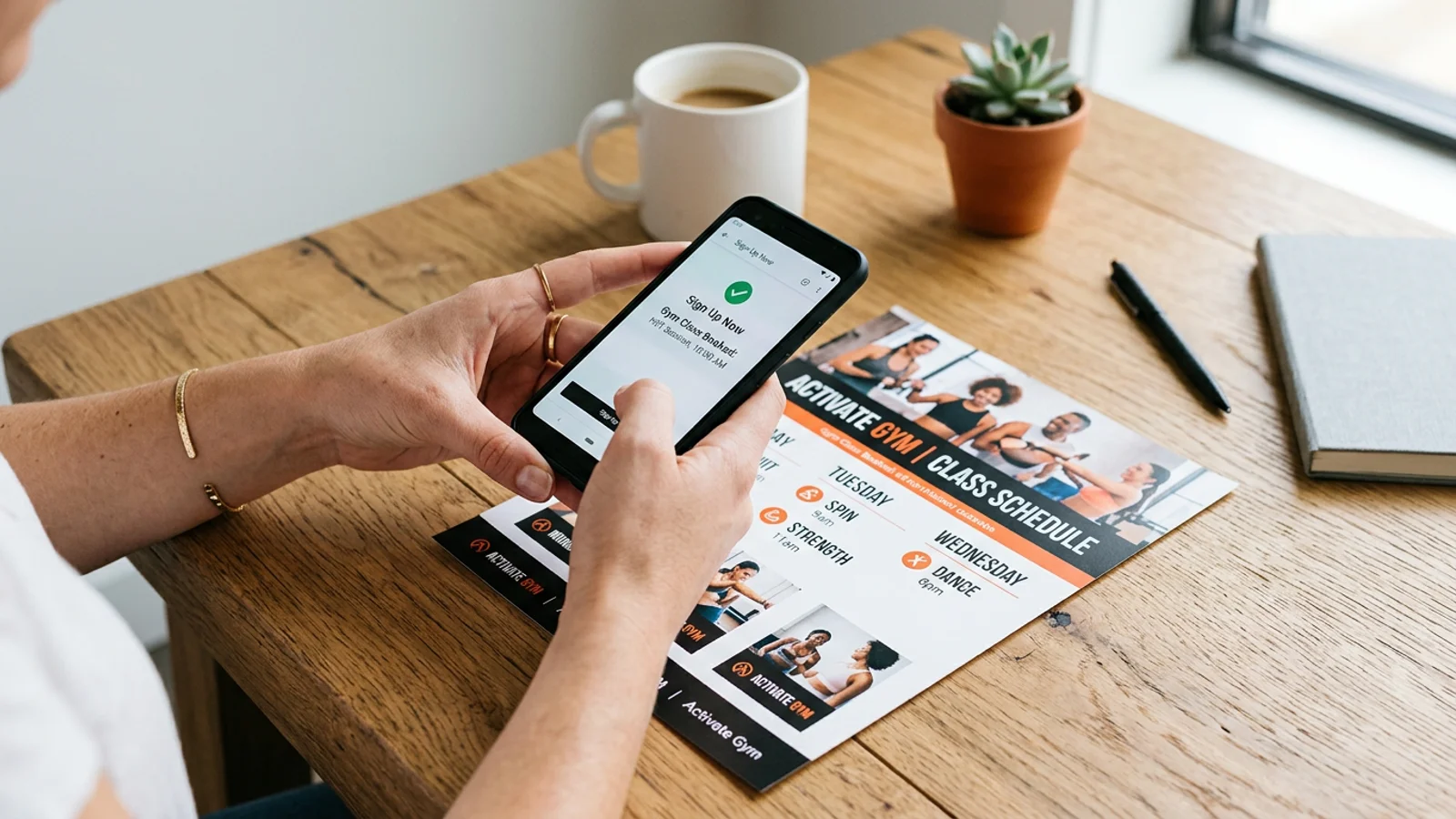
Between work deadlines, social commitments, and the desire to stay healthy, your fitness routine often ends up being the first thing to slip. If you are tired of losing paper punch cards or forgetting when your favorite yoga class starts, it is time for a digital upgrade. You can easily add gym class schedule to calendar from photo, ensuring you never miss a workout again.
The Problem with Paper Punch Cards
Most gyms and fitness studios still rely on paper schedules or manual punch cards. While these are traditional, they are rarely efficient. They end up crumpled at the bottom of your gym bag, left on the kitchen counter, or buried under a pile of mail. When you lose the physical copy, you lose the information—and eventually, you lose your motivation to show up.
Manual data entry into a digital calendar is a tedious task that most of us avoid. By the time you sit down to type in the date, time, and location of your next class, you are likely distracted or exhausted. This is where automation changes the game.
How OCR Technology Simplifies Your Fitness Routine
Optical Character Recognition (OCR) is the technology that bridges the gap between the physical world and your digital life. Instead of manually typing in details, your smartphone can now "read" the information printed on a flyer or a schedule board. By using an app designed for this purpose, you can snap a picture, and the app does the heavy lifting, parsing the text to create a calendar event automatically.
This is not just about convenience; it is about reducing the mental load. When your schedule is synced, you get notifications before your class starts, helping you transition from work mode to workout mode without a second thought.
Step-by-Step: Syncing Your Fitness Schedule
Ready to reclaim your time? Follow these simple steps to move from paper to digital:
- Snap a clear photo: Capture a high-quality image of your gym's class schedule or your punch card. Ensure the dates and times are legible.
- Use an intelligent scanner: Use an app like Photo2Calendar to process the image.
- Review and confirm: The app will automatically extract the event details. Verify the date and time, then hit save.
- Sync across devices: Once the event is in your calendar, it will automatically sync to your phone, tablet, and desktop.
Beyond the Gym: Organizing Your Life
The beauty of this technology is that it works for more than just fitness. You can apply the same method to organize your entire life, from family school events to medical appointments. Once you start digitizing, you will wonder how you ever managed without it. By eliminating manual data entry, you clear space in your brain for what actually matters—your performance during that spin class or your recovery time afterward.
Conclusion: Start Your Digital Fitness Journey
You don't need to be a tech expert to master your schedule. By choosing to add gym class schedule to calendar from photo, you are taking a proactive step toward a more organized life. Stop relying on memory and paper scraps that get lost in the shuffle. Download Photo2Calendar today to turn those flyers and schedules into actionable events, and never miss a workout again.