Add Restaurant Reservation to Calendar from Screenshot
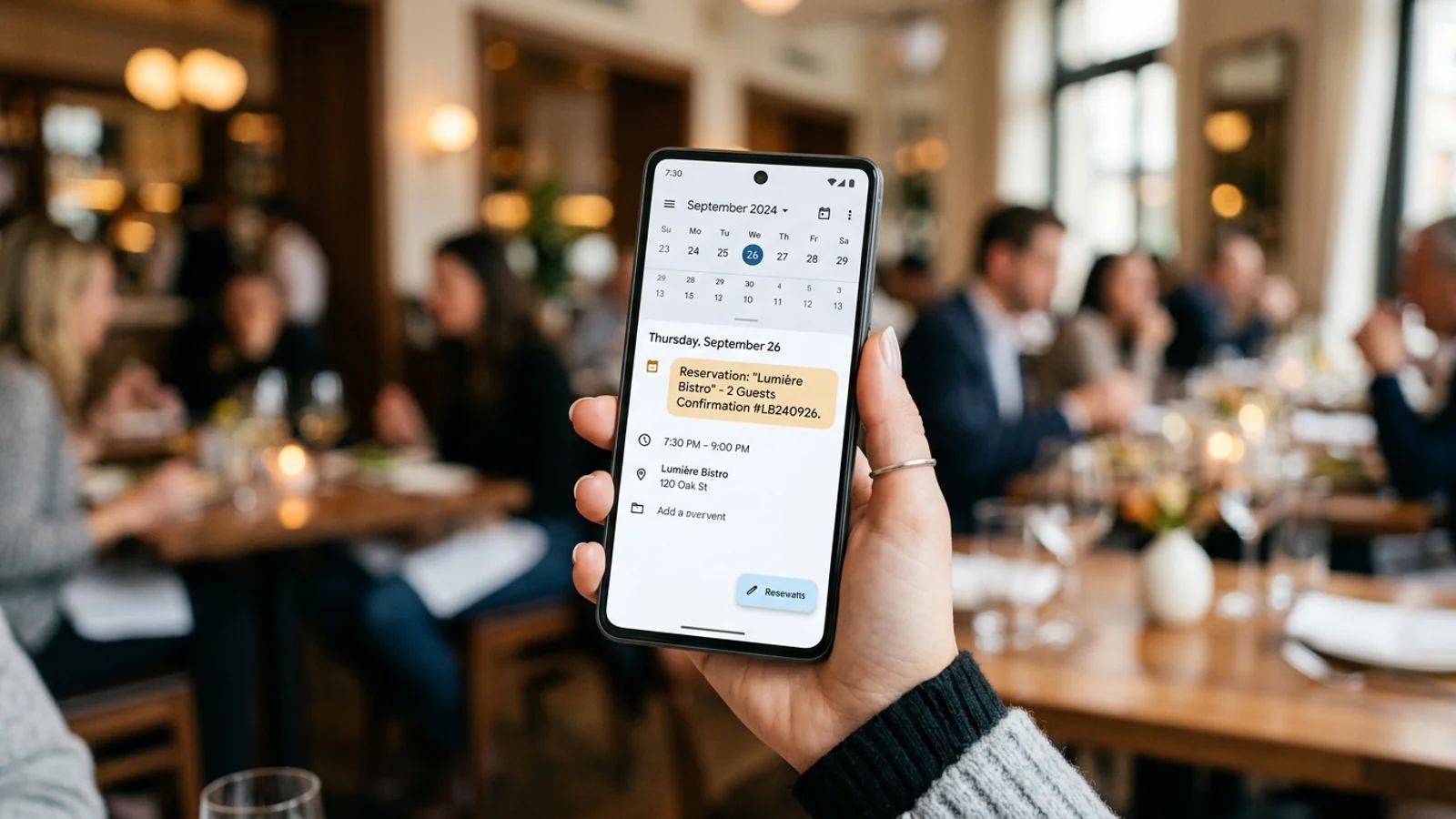
Add Restaurant Reservation to Calendar from Screenshot
Dining out is meant to be a pleasure, yet the administrative burden of tracking bookings often turns a fun night into a chore. Whether you are a foodie exploring the latest hot spots or a professional managing business dinners, juggling confirmation emails, text messages, and paper slips is a recipe for missed appointments. You need a faster way to manage your schedule.
Instead of manually copying dates, times, and addresses into your digital planner, you can streamline the process. Learning how to add restaurant reservation to calendar from screenshot is the ultimate life hack for anyone who dines out frequently. By leveraging smart OCR technology, you can turn a static image into a functional calendar entry in seconds.
The Problem with Manual Entry
We have all been there: you receive a confirmation email for a Saturday night dinner, but you forget to add it to your calendar until you are already halfway to the wrong neighborhood. Manual entry is prone to human error. A simple typo in the time or date can lead to a canceled table or an embarrassing no-show.
Furthermore, manual entry is time-consuming. When you have a busy week, the last thing you want to do is toggle back and forth between your email app and your calendar. This friction often results in people skipping the calendar step entirely, relying instead on a mental note—which, as we know, is rarely reliable.
How to Automate Your Dining Schedule
Technology should work for you, not against you. With apps like Photo2Calendar, you can bypass the tedious data entry process entirely. The workflow is simple and designed for people on the move:
- Capture: Take a screenshot of your reservation confirmation email or snap a photo of a physical booking slip.
- Import: Open Photo2Calendar and select the image you just captured.
- Convert: The app automatically extracts the date, time, and restaurant name.
- Sync: Save the event directly to your preferred calendar app with one tap.
By transforming your images into structured data, you ensure that every detail is captured accurately. No more guessing if the reservation is for 7:00 PM or 7:30 PM. For more tips on managing your busy schedule, check out our guide on organizing your life with screenshots.
Why Precision Matters for Foodies
For high-end dining, reservations are often non-refundable or require a deposit. Missing one can cost you more than just a meal; it can cost you money and your reputation with the restaurant. When you use a dedicated tool to add restaurant reservation to calendar from screenshot, you gain peace of mind.
Automated entries also allow for better planning. You can set reminders to alert you an hour before you need to leave, factoring in travel time. If you want to see how this fits into a broader productivity system, read our article on boosting productivity with image-to-text tools.
Get Started with Photo2Calendar
You don't have to be a tech expert to master your calendar. By digitizing your paper trails and email confirmations, you reclaim your time and ensure you never miss a reservation again. Whether it’s a quick lunch meeting or an anniversary dinner, let your phone do the heavy lifting.
Ready to simplify your dining experience? Download Photo2Calendar today and start turning your screenshots into organized calendar events instantly. It is the smartest way to ensure your next meal out goes exactly according to plan.