Add Wedding Dates to Calendar from Photo: A Simple Guide
Add Wedding Dates to Calendar from Photo: A Simple Guide
Wedding season is a beautiful time of year, but it often comes with a mountain of paper invitations. Between the engagement party, the bridal shower, the rehearsal dinner, and the big day itself, keeping track of these dates can become a logistical nightmare. Manually typing every event into your smartphone is tedious, prone to errors, and frankly, a waste of your valuable time.
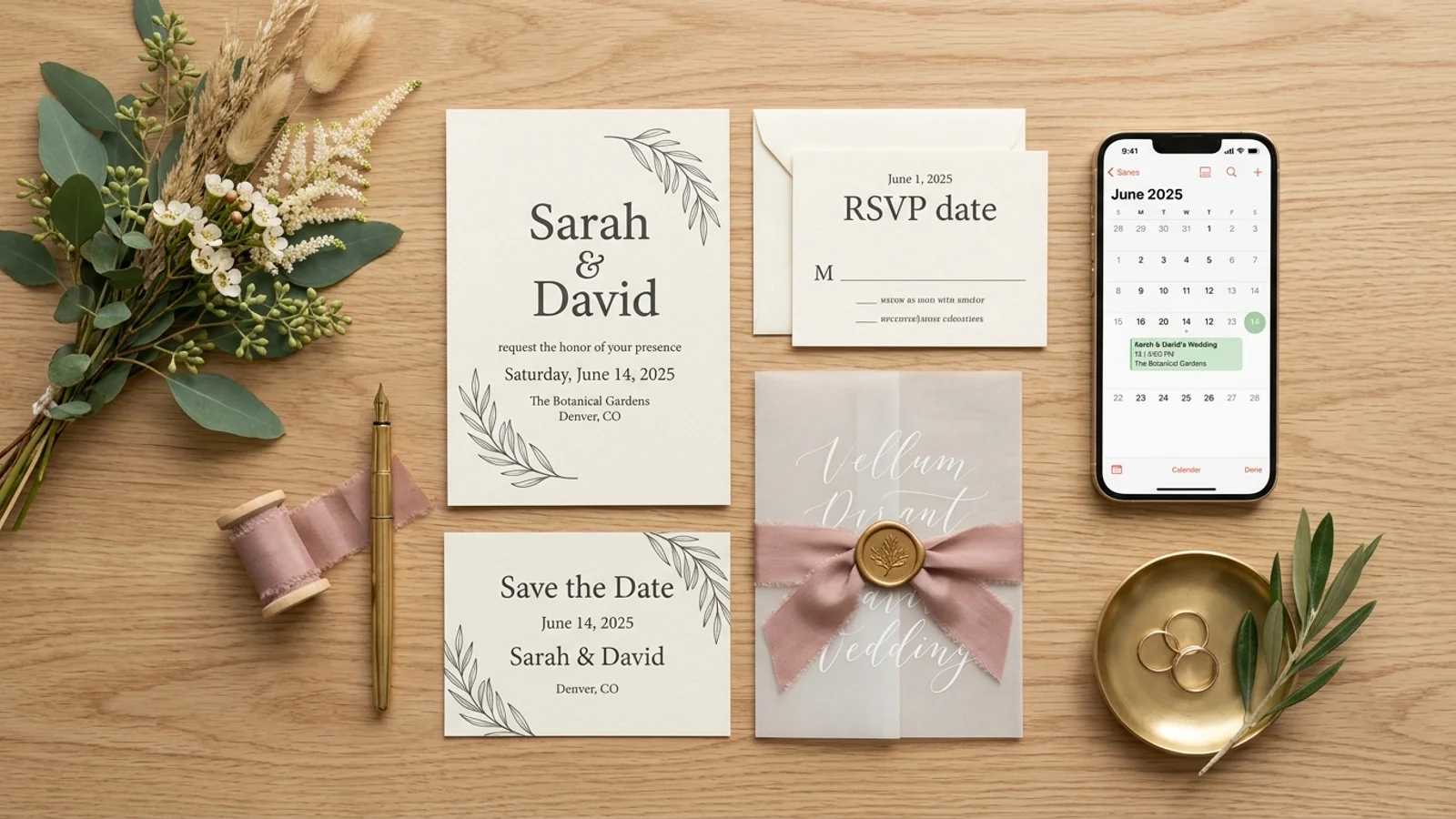
If you have ever found yourself staring at a stack of heavy cardstock invites, wondering how to organize them without losing your mind, you are not alone. The solution is simpler than you think. You can easily add wedding dates to calendar from photo using modern mobile technology designed to streamline your schedule.
Why Manual Entry Is a Thing of the Past
We live in an era where our phones have more processing power than the computers that landed humans on the moon. Yet, many of us still spend Sunday nights manually inputting dates and times from physical mail into our digital calendars. This process is not only slow, but it also increases the likelihood of typos—like entering the wrong venue address or setting the reminder for the wrong time zone.
By digitizing your invitations, you create a searchable, reliable, and portable record of every event you need to attend. Whether you are a guest managing a busy social calendar or a couple coordinating multiple pre-wedding festivities, automation is your best friend. For more tips on managing your busy life, check out our guide on organizing your life with Photo2Calendar.
How to Digitize Wedding Invites in Seconds
The process of moving from physical paper to a digital calendar event is straightforward. You do not need to be a tech expert to master this workflow. Here is the step-by-step method to simplify your planning:
- Capture: Take a clear photo of the wedding invitation or the information card detailing the event.
- Analyze: Use a specialized app to scan the image. The software identifies the date, time, and location automatically.
- Verify: Quickly review the extracted data to ensure accuracy.
- Sync: Save the information directly to your preferred calendar app (Google Calendar, Apple Calendar, or Outlook).
By using an app like Photo2Calendar, you eliminate the friction of data entry. The app handles the heavy lifting, recognizing text patterns within the image and converting them into structured calendar entries.
Managing Multiple Events with Ease
Wedding weekends often involve a series of events. It is not just about the ceremony; it is about the brunch, the cocktail hour, and the reception. If you try to manage these manually, you might forget one. When you can add wedding dates to calendar from photo, you can process an entire stack of invites in less than two minutes.
This is also a game-changer for couples who are planning their own wedding journey. If you are receiving RSVP cards or tracking vendor appointments, you can use the same technique to keep your planning binder organized digitally. If you want to learn more about how this technology handles complex schedules, read our article on mastering event extraction for busy professionals.
Never Miss a Celebration Again
The ultimate benefit of digitizing your invitations is peace of mind. When your calendar is synced and accurate, you stop worrying about whether you have the right date or time. You can set automated reminders for travel time, gift shopping, or attire preparation, ensuring you show up ready and on time.
Ready to stop typing and start celebrating? Download Photo2Calendar today and transform those stacks of paper invitations into a perfectly organized digital schedule. It is the smartest way to ensure you never miss a moment of the big day.