Digital Calendar vs Paper Planner: Which Wins for Students?
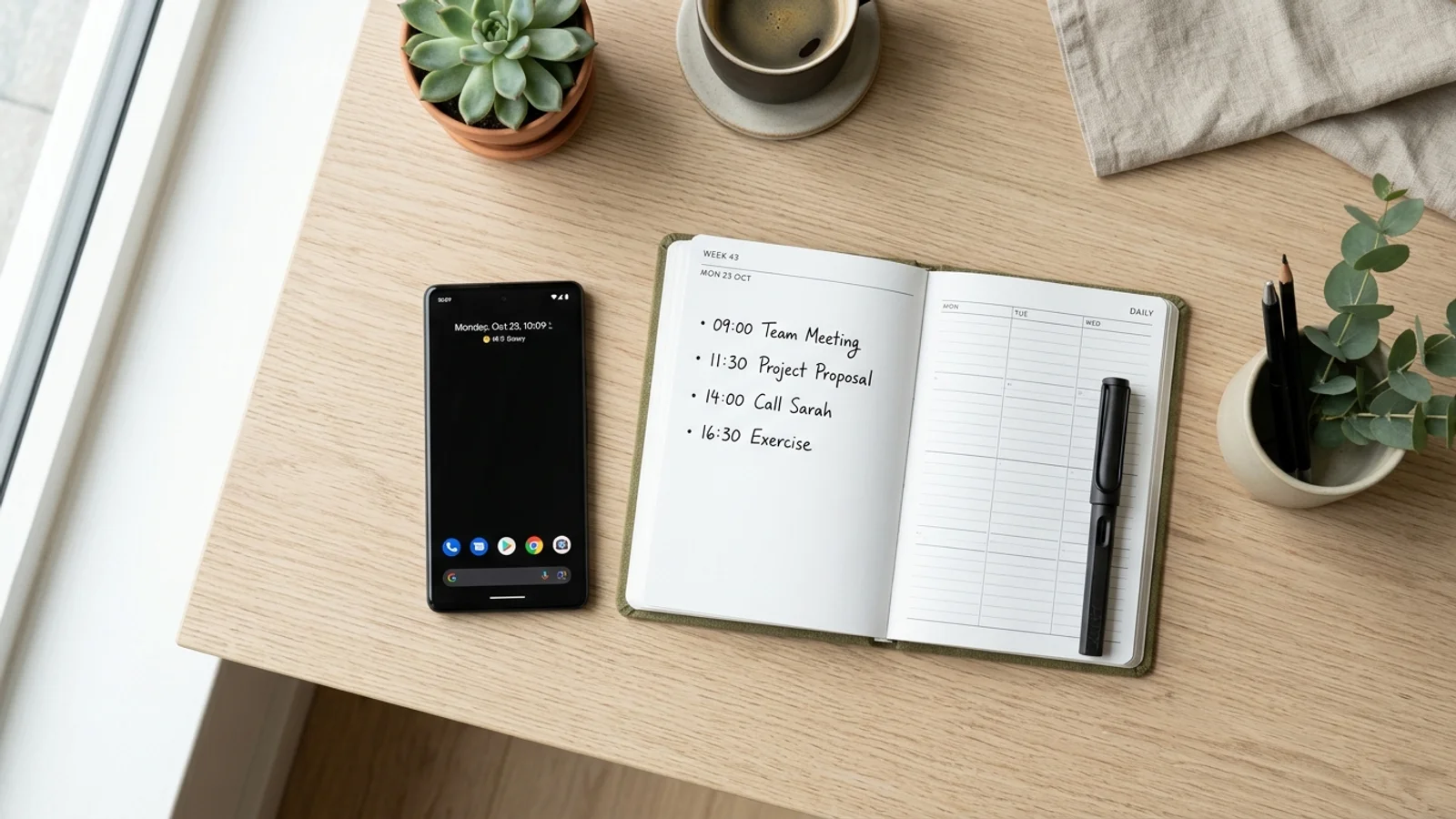
Digital Calendar vs Paper Planner: Which Wins for Students?
For students and busy professionals, time management is the difference between academic success and constant stress. The debate between a digital calendar vs paper planner has existed for years. While paper offers a tactile experience, the modern pace of life demands speed, automation, and instant accessibility.
The Limitations of Paper Planners
Paper planners are popular for their aesthetic appeal and the psychological benefit of writing things down. However, they are static. If your professor shifts a deadline or an event time changes, you are stuck with messy erasures or cross-outs. Furthermore, a paper planner is not searchable. If you need to find when you scheduled a specific meeting three weeks ago, you have to manually flip through every page.
Perhaps the biggest drawback is the friction of entry. When you receive a flyer for a campus event or a screenshot of a syllabus, you have to manually transcribe that information into your planner. This takes time and increases the risk of transcription errors.
Why Digital Calendars Are Superior
Digital calendars turn your schedule into a living, breathing asset. They offer instant notifications, color-coding for different life areas, and the ability to share events with teammates or study groups. Most importantly, they integrate with your other devices, ensuring you never miss an appointment whether you are on your laptop or phone.
The real power of digital tools lies in efficiency. Instead of spending ten minutes each evening manually updating your planner, you can sync your accounts in seconds. For a deeper look at how to master your time, check out our guide on productivity hacks for students.
The Power of Photo-to-Calendar Integration
The biggest hurdle in moving to digital is the manual entry process. This is where modern technology bridges the gap. By using specialized tools, you can bypass manual typing entirely. If you see a flyer on a bulletin board or get a schedule sent as a screenshot, you don't need to manually input the details.
Instead, you can use an app like Photo2Calendar to automate the process. This tool allows you to:
- Snap a photo of a physical flyer or handwritten schedule.
- Extract details like dates, times, and locations instantly.
- Sync directly to your Google, Apple, or Outlook calendar.
By removing the friction of data entry, you ensure that your calendar is always up-to-date with minimal effort. This is a game-changer for those who find the transition from paper to digital daunting. Read more about streamlining your academic life to see how automation changes the game.
Final Verdict: Speed Wins
When comparing a digital calendar vs paper planner, the winner is clear for anyone juggling multiple deadlines. While paper has its charm, it cannot compete with the speed and reliability of a digital system. In a world where information is delivered through screenshots, emails, and flyers, you need a system that captures that information instantly.
Stop wasting time transcribing dates manually. Download Photo2Calendar today and start converting your photos and screenshots into organized events in seconds. Your future self will thank you for the extra time you saved.