Digitize Community Event Schedule: Sync Meetings Instantly
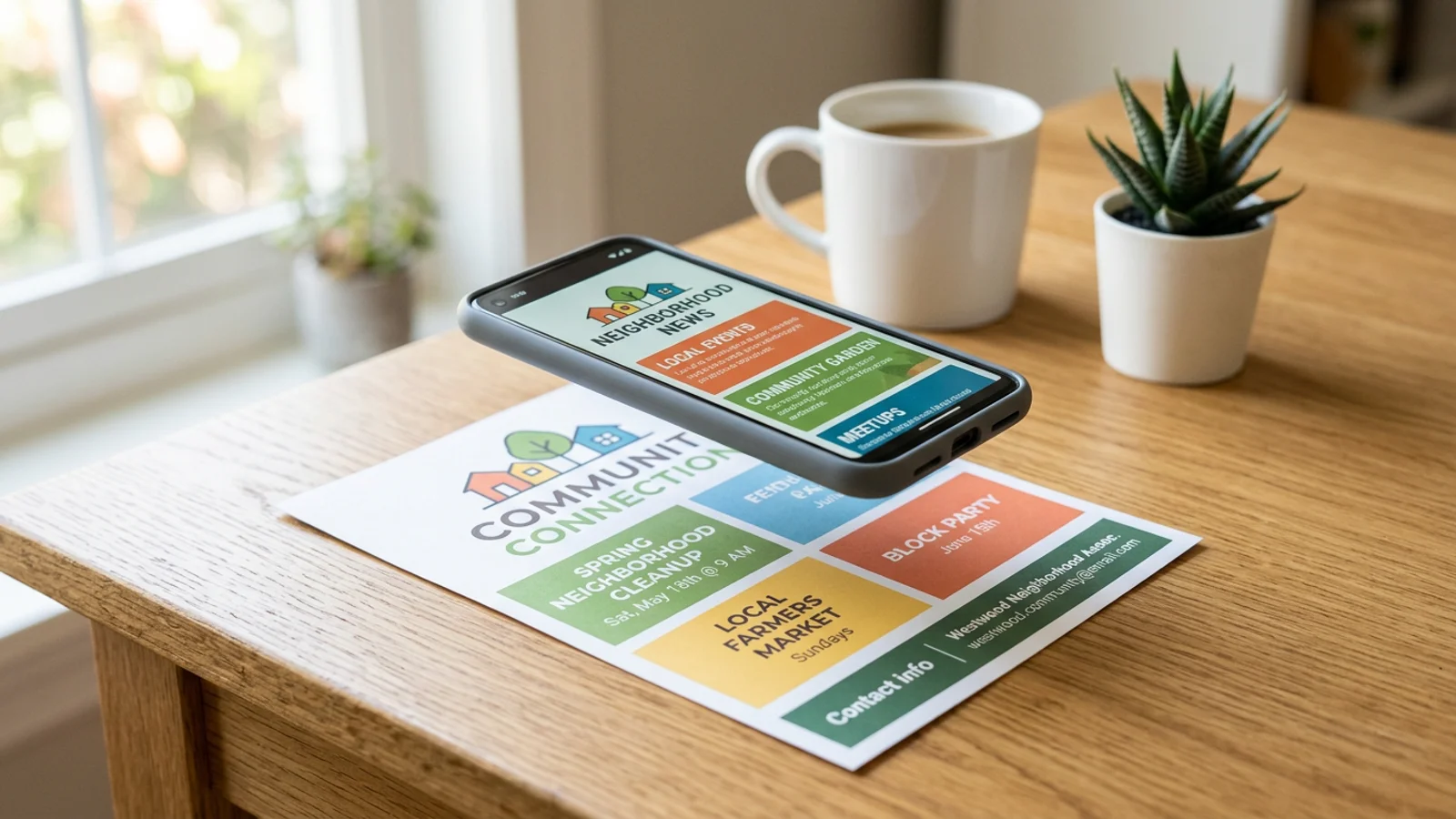
Digitize Community Event Schedule: Sync Meetings Instantly
Between school runs, sports practice, and household chores, the last thing any parent needs is another stack of paper to manage. Neighborhood association meetings, community board updates, and local event flyers often end up lost on the kitchen counter or buried in a junk drawer. When you miss a meeting because you forgot to type the date into your phone, it is more than just a scheduling error—it is a hit to your already heavy mental load.
Manually transcribing dates from a physical flyer is a slow, outdated process that invites errors. Fortunately, you can now digitize community event schedule data in seconds. By leveraging Optical Character Recognition (OCR) technology, you can turn a crumpled piece of paper into a structured calendar entry without typing a single digit.
The Problem with Manual Scheduling
We have all been there: you are holding a flyer for the upcoming neighborhood block party or a zoning meeting, and you have exactly thirty seconds before your child needs help with homework or the pasta boils over. You tell yourself, "I will add this to my calendar later." That "later" never comes, or worse, you add it at the wrong time because you misread the tiny print.
Manual entry is the enemy of organization. It is tedious, prone to typos, and interrupts your flow. When you rely on your memory or a physical calendar, you aren't just managing information—you are carrying the weight of it. This is where automation changes the game.
How OCR Simplifies Your Community Life
OCR technology is the bridge between the analog world and your digital agenda. Instead of manually entering event titles, dates, and times, an OCR-powered app "reads" the text from your photo and maps it directly into your calendar software, whether you use Google Calendar, Apple Calendar, or Outlook.
Here is why this approach is superior for busy homeowners:
- Speed: Capture a flyer in under three seconds.
- Accuracy: OCR eliminates the risk of "fat-finger" typos when entering dates or addresses.
- Portability: Your community schedule is synced across all your devices, so you are never left guessing.
- Accessibility: You can set automated reminders, ensuring you never miss a community board meeting again.
For more tips on clearing your schedule, check out our guide on organizing family schedules to reduce daily stress.
Step-by-Step: From Flyer to Calendar
You don't need to be a tech expert to master this workflow. If you can point your camera at a document, you are already halfway there. Follow these steps to streamline your neighborhood participation:
- Capture: Take a clear photo of the community flyer or meeting notice. Make sure the date and time are legible.
- Process: Open your OCR app (like Photo2Calendar) to scan the image. The software will extract the relevant text automatically.
- Verify: Quickly review the event details on your screen. The app will suggest the event title and time based on the text found.
- Save: Click "Save" or "Add to Calendar." The event is now synced, and you can throw the paper flyer in the recycling bin.
By removing the friction of data entry, you are more likely to stay engaged with your community. When the process is effortless, participation stops feeling like a chore and starts feeling like part of your routine.
Reducing the Mental Load
The secret to a calmer household is offloading tasks to technology. Every time you photograph a flyer instead of typing it, you are reclaiming a small piece of your time and attention. This is about more than just a calendar entry; it is about reclaiming your mental space. For additional insights, read our article on why manual data entry is killing your productivity.
Ready to stop typing and start living? Download Photo2Calendar today to digitize your community event schedule and simplify your family's calendar management in seconds.