Sync Sports Schedule to Calendar From Photo: A Parent’s Guide
Sync Sports Schedule to Calendar From Photo: A Parent’s Guide
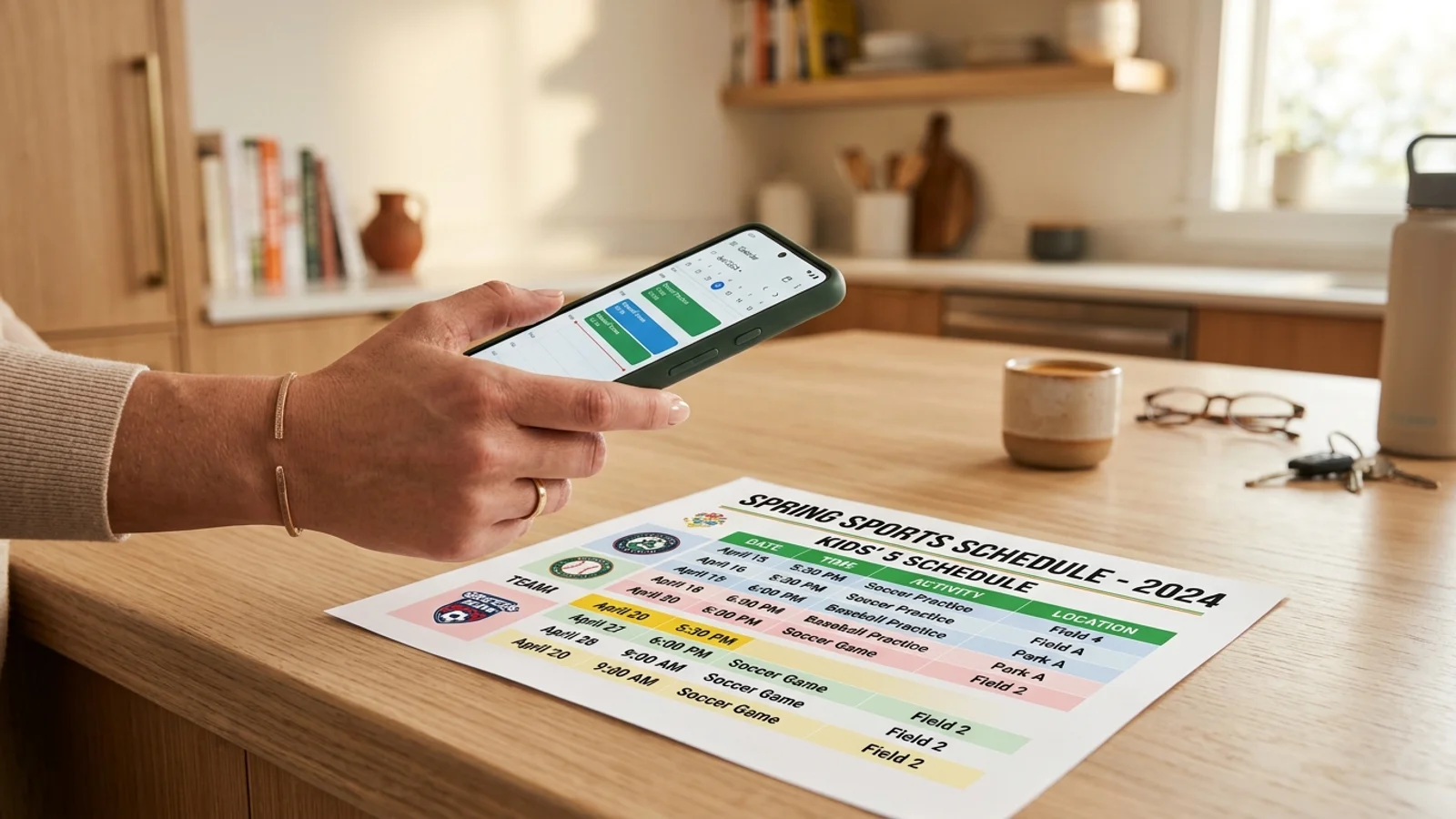
If you are a parent, you know the drill: the school year ends, and the "seasonal sports season" begins. Suddenly, your fridge is covered in paper league forms, practice schedules, and game calendars. Manually typing these recurring events into your phone is a recipe for errors and a major source of mental load. What if you could sync sports schedule to calendar from photo in seconds?
The Problem with Manual Sports Scheduling
Between soccer practice every Tuesday and Thursday, Saturday morning games, and occasional make-up sessions, keeping track of your children's activities is a full-time job. When you rely on manual entry, you risk transcription errors—like typing 'PM' instead of 'AM' or missing an important game date entirely. This is where automating your calendar becomes essential.
How OCR Technology Simplifies Your Life
Optical Character Recognition (OCR) is the secret weapon for busy parents. Instead of staring at a paper form and tapping away on your screen, OCR scans the text from an image and converts it into digital data. This technology identifies dates, times, and event titles, allowing you to bypass the tedious work of re-typing every single detail.
How to Sync Sports Schedule to Calendar From Photo
Using an app like Photo2Calendar, you can turn that messy paper schedule into a clean, digital agenda. Follow these steps to reclaim your time:
- Snap a Photo: Take a clear picture of the league schedule. Make sure the text is well-lit and legible.
- Upload to the App: Import the photo into Photo2Calendar.
- Verify and Sync: The app will automatically parse the recurring event patterns—like 'Every Tuesday at 5:00 PM'—and create the events for you.
- Final Review: Take one quick look to ensure the dates match your child's team schedule, then save them directly to your calendar.
Managing Recurring Events Without the Stress
The biggest challenge with sports schedules is the 'recurring' nature of the data. Most paper flyers list a series of dates or a weekly pattern. Modern OCR tools are designed to recognize these patterns. Instead of creating individual events, the app can set up recurring entries, ensuring that if practice shifts or changes, you can update the entire series at once rather than editing twenty separate entries.
Why You Should Stop Typing and Start Scanning
Your mental load is heavy enough without the added burden of administrative data entry. By choosing to sync sports schedule to calendar from photo, you are not just saving minutes; you are reducing the anxiety that comes with 'forgetting' to add an event. For more tips on managing family logistics, check out our guide on organizing family schedules effectively.
Ready to clear your fridge and your mind? Download Photo2Calendar today and start transforming those paper flyers into a perfectly organized digital schedule with just one tap.