Best Calendar Apps 2025: Complete Comparison for iOS & Android
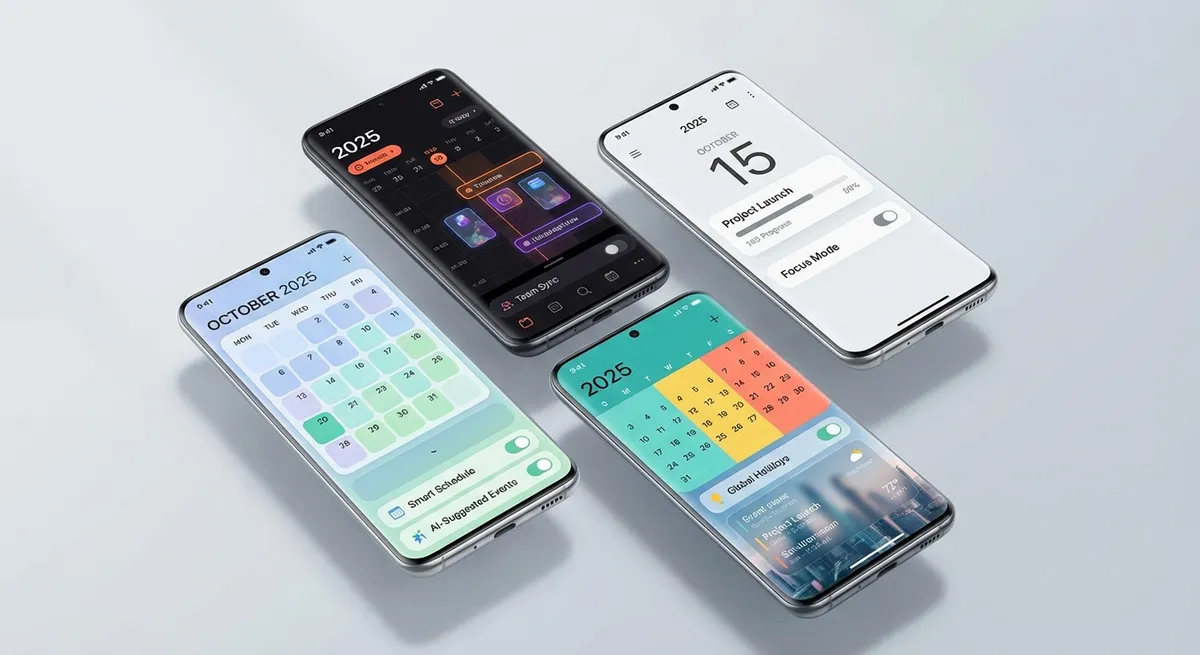
Your calendar app is the command center of your daily life. It determines how you view, manage, and interact with your schedule. Choosing the right one matters — but with dozens of options, how do you decide?
We've tested every major calendar app across iOS and Android to bring you this comprehensive 2025 comparison. We evaluate features, pricing, platform support, and the one critical feature most calendar apps are still missing.
Quick Comparison Table
| App | Platforms | Price | Best For |
|---|---|---|---|
| Google Calendar | iOS, Android, Web | Free | Cross-platform users, Google Workspace |
| Apple Calendar | iOS, macOS | Free | Apple ecosystem users |
| Microsoft Outlook | iOS, Android, Web, Desktop | Free / M365 | Corporate environments, email integration |
| Fantastical | iOS, macOS | $4.99/mo | Power users, natural language input |
| Calendars by Readdle | iOS, macOS | $2.99/mo | Clean design, task integration |
| Any.do Calendar | iOS, Android, Web | Free / $5.99/mo | Task + calendar integration |
Detailed Reviews
Google Calendar — Best Free All-Rounder
Google Calendar remains the gold standard for free calendar apps. Its strengths:
- Cross-platform: Works on iOS, Android, Web — looks great everywhere
- Gmail integration: Automatically creates events from flight, hotel, and restaurant confirmations
- Sharing: Best-in-class calendar sharing with granular permissions
- Goals: Schedule recurring goals (exercise, reading) that auto-find available slots
- Scheduling: Appointment slots let others book your time
Limitations:
- No photo-to-calendar feature (can't scan flyers or posters)
- Gmail auto-detection misses non-email sources (posters, handwritten notes, texts)
- Limited natural language input on mobile
For Google Calendar power tips, see our Google Calendar Tips & Tricks article.
Try Photo2Calendar free on iOS or Android.
Apple Calendar — Best for Apple Ecosystem
If you have an iPhone, iPad, Mac, and Apple Watch, Apple Calendar offers seamless integration:
- Siri integration: "Hey Siri, add a dentist appointment Tuesday at 2pm"
- Travel time: Automatic travel time estimation and departure notifications
- iCloud sharing: Family sharing for Apple households
- Clean design: Minimalist, fast, no clutter
- CalDAV support: Works with Google Calendar, Outlook, etc.
Limitations:
- No Android or web version
- Limited sharing options outside Apple ecosystem
- No photo scanning or OCR capability
Microsoft Outlook — Best for Business
The corporate standard with powerful scheduling features:
- Scheduling assistant: Find available times across colleagues' calendars
- Room booking: Reserve meeting rooms directly from the calendar
- Focused inbox + calendar: Unified email and scheduling experience
- Teams integration: One-click video meeting creation
Limitations:
- Complex interface for personal use
- Best features require Microsoft 365 subscription
- No photo/OCR event creation
Fantastical — Best for Power Users
The premium choice for scheduling enthusiasts:
- Natural language: Type "Lunch with Mark at Olive Garden on Friday at noon" and it creates the event
- Calendar sets: Switch between different calendar combinations (Work mode, Personal mode)
- Weather integration: See weather forecasts on your calendar
- Beautiful widgets: Best calendar widgets on iOS
Limitations:
- $4.99/month subscription
- Apple-only (no Android)
- No photo/image scanning
The Missing Feature: Photo-to-Calendar
Notice a pattern? Every major calendar app has the same gap: none of them can create events from photos.
You can type events. You can dictate events (sometimes). You can receive events via email (sometimes). But you can't point your camera at a poster, flyer, ticket, or schedule and have it added to your calendar.
This is exactly the gap Photo2Calendar fills. It's not a replacement for your calendar app — it's a companion app that makes any calendar app better:
- Scan photos → events sync to your calendar app
- Paste text → events sync to your calendar app
- Voice input → events sync to your calendar app
- Import PDFs → events sync to your calendar app
- Handwriting recognition → events sync to your calendar app
Our Recommended Stack
| Use Case | Calendar App | + Photo2Calendar |
|---|---|---|
| Cross-platform personal | Google Calendar | Scan flyers, tickets, texts |
| Apple household | Apple Calendar | Scan school schedules, invitations |
| Corporate | Outlook | Scan conference agendas, business cards |
| Power user | Fantastical | Scan everything the app can't |
How to Choose
- What devices do you use? Apple-only → Apple Calendar or Fantastical. Mixed/Android → Google Calendar. Corporate → Outlook.
- Do you need sharing? Google Calendar has the best sharing across platforms. Apple is great within Apple households.
- Budget? Google Calendar and Apple Calendar are free and cover 90% of needs. Paid apps are for polish, not necessity.
- Add Photo2Calendar regardless of your choice — it fills the scanning gap in every major calendar app.
Download Photo2Calendar
Pair any calendar app with Photo2Calendar for the most complete scheduling experience. Free download on iOS or Android.