Best Photo to Calendar App for Busy Schedules
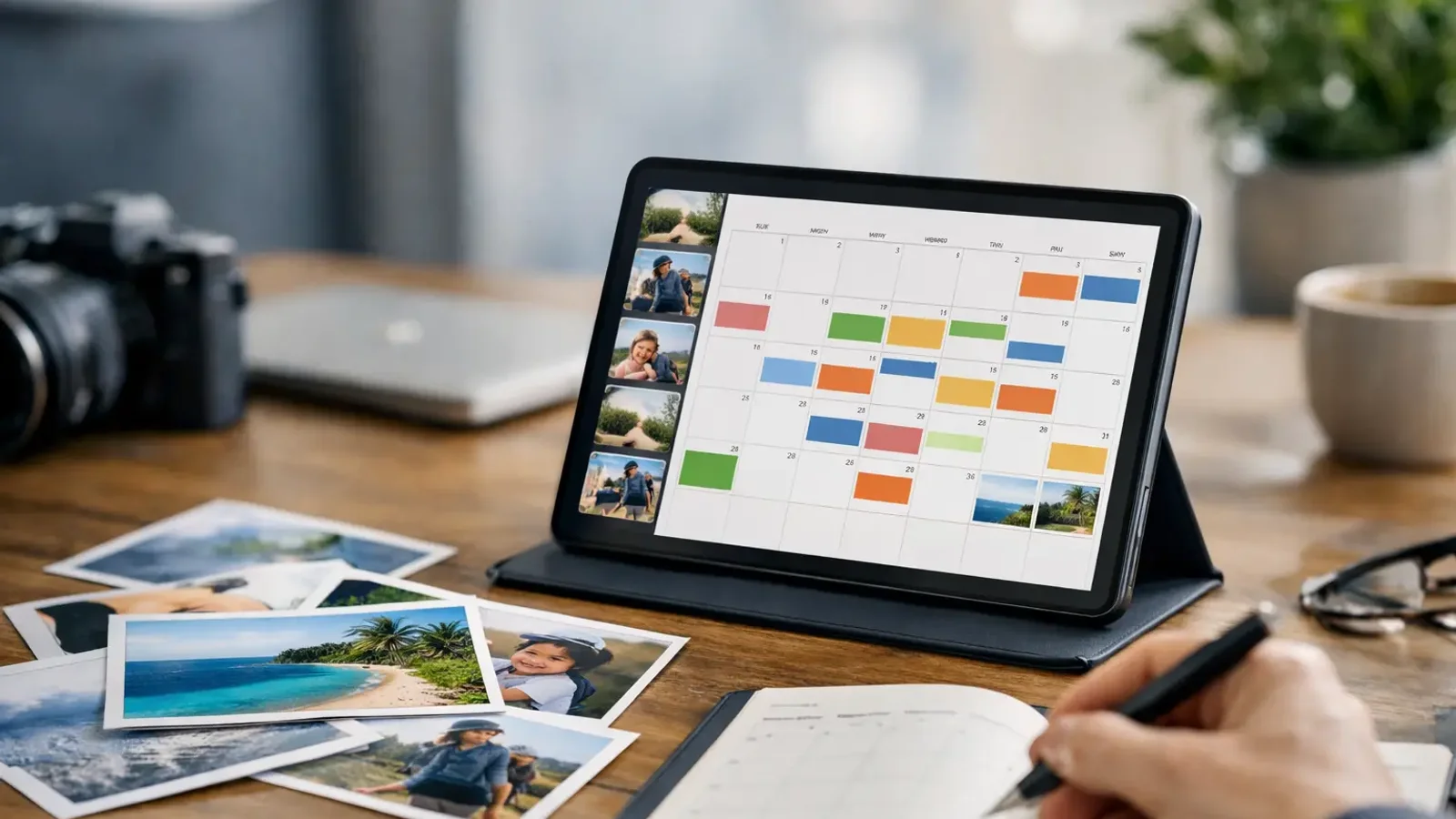
A school flyer is sitting in your camera roll. Your friend texted a screenshot with the event details. There’s a work PDF with three meeting dates buried in your downloads. If those details never make it into your calendar, they might as well not exist. A good photo to calendar app fixes that in seconds.
This is not about adding another productivity tool for the sake of it. It’s about removing one of the most annoying small tasks in daily life: retyping dates, times, locations, and reminders from images or text into your calendar by hand. That task feels minor until you do it five times a day, miss one detail, and show up late or not at all.
What a photo to calendar app actually does
A photo to calendar app takes unstructured event information from a photo, screenshot, flyer, document, or text snippet and turns it into a structured calendar event. The app reads what matters, identifies the date and time, pulls in the title and location when possible, and creates something you can save right away.
That sounds simple, but the value is in the gap it closes. Most event information does not arrive in calendar-ready format. It shows up as a poster on a coffee shop wall, a WhatsApp message from a parent group, a conference agenda in PDF form, or a screenshot sent too quickly to read later. The job of the app is to bridge that gap before the event gets lost.
For busy users, speed matters more than novelty. If an app can turn a photo into a usable event in a few taps, it saves time immediately. If it also reduces mistakes from manual entry, even better.
Why manual entry breaks down so often
Typing event details into a calendar sounds easy until you look at how people actually manage schedules. Most of us do it while multitasking. We’re standing in line, walking between meetings, helping a kid with homework, or trying to clear notifications before bed. That’s exactly when details get dropped.
A date gets entered, but no time. The location is left out. The reminder never gets set. Or the event never gets added at all because it felt like something to handle later. Later is where events disappear.
This is why a photo to calendar app is useful beyond convenience. It helps capture intent at the moment you discover the event. See it, scan it, save it, move on. That is a better workflow than trusting memory or keeping ten screenshots as a temporary system.
Who gets the most value from a photo to calendar app
The obvious answer is anyone with a full calendar, but the real fit is more specific. Students can pull class schedules and campus event details from posted notices or shared images. Parents can turn school handouts, sports schedules, and activity flyers into real calendar entries before the paper gets lost in the car.
Freelancers and small business owners often receive appointments and event details in inconsistent formats, which makes quick capture especially useful. Office professionals deal with screenshots, documents, and meeting details spread across channels. Even casual users benefit when travel plans, appointments, or local events are shared as images instead of proper invites.
The common thread is not job title. It’s friction. If event details regularly arrive in ways that require manual cleanup, this kind of app solves a recurring problem.
What separates a good app from a frustrating one
Not every photo to calendar app is equally useful. Some can detect basic text but struggle when the layout is messy. Others can read the date but miss the context, which leaves you editing almost everything by hand. At that point, the app saves less time than it promises.
The best experience is fast and practical. You upload or snap a photo, the app identifies the event details, and the result is close enough that you only need a quick review before saving. Accuracy matters, but so does speed. An app that gets 90 percent right in a few seconds is often more helpful than one that demands too much correction.
It also helps when the app can handle multiple input types. Photos are the headline feature, but screenshots, scanned documents, and pasted text are just as common in real life. A narrow tool may work well in one scenario and feel limited everywhere else.
How to evaluate the best photo to calendar app
Start with the source material you deal with most. If your schedule comes from printed flyers and bulletin boards, image recognition should be strong enough to read mixed layouts and uneven lighting. If your event info usually comes from texts, screenshots, or digital documents, the app should process those formats just as easily.
Next, look at the output. A useful app should create events with a clear title, correct date and time, and any available location or notes. It should not force you through a long editing process every time. Review is good. Rebuilding is not.
Platform support matters too. A mobile-first experience is usually the right fit because event capture happens in the moment. If the app works on both iOS and Android, that removes one more barrier for households, teams, or mixed-device users.
Privacy is worth a quick check as well. Since you may be uploading documents, schedules, or personal event information, users should feel confident that the app handles data responsibly. Most people are happy to use AI for this job. They just want it applied in a focused, useful way.
When a photo to calendar app saves the most time
The biggest time savings come from repetition. If you only add one event a month, the difference is small. But if you routinely deal with school calendars, appointment cards, event posters, team schedules, travel confirmations, or shared screenshots, the minutes add up quickly.
There is also a hidden benefit: fewer dropped commitments. A fast capture tool does more than save typing. It reduces the chance that an event stays stuck in a photo gallery instead of becoming a real reminder on your calendar.
That matters because organization problems are often capture problems. People usually do not miss events because they lack a calendar. They miss events because getting information into the calendar takes just enough effort to postpone.
The trade-off: automation still needs a quick human check
No app should pretend every image is perfectly readable or every event format is obvious. Real-world schedules can be messy. A flyer might list multiple dates. A screenshot may cut off the location. A handwritten note can be unclear.
That means the best workflow is not blind automation. It’s fast automation with a quick review step. The app should do the heavy lifting, and you should confirm the details before saving. That is still far better than copying everything manually from scratch.
This is where focused tools tend to outperform broad productivity platforms. A specialized app built specifically to convert photos and text into calendar events usually feels more direct. It does one job, and that clarity matters when you need an answer in seconds.
Why this category is getting more useful now
People increasingly live in a mixed-input world. Event details come from social posts, screenshots, school PDFs, text threads, scanned forms, and printed material. Calendar systems, on the other hand, still expect clean, structured information. There’s a mismatch there, and it creates daily friction.
A strong photo to calendar app solves that mismatch in a way users feel immediately. It takes messy input and turns it into an action. That’s why this category has practical staying power. It is not trying to replace your calendar. It is trying to remove the step you keep avoiding.
For users who want that exact shortcut, focused tools like Photo2Calendar make a lot of sense. The value is easy to understand because the problem is so specific: you already have the event information, you just need it on your calendar now.
The best app is the one that makes that step feel almost effortless. If it can turn a flyer, screenshot, or document into a calendar event before you forget about it, that’s not a nice extra feature. That’s a cleaner way to stay on top of your day.