Travel Itineraries: Scan Bookings, Flights & Tours to Your Calendar
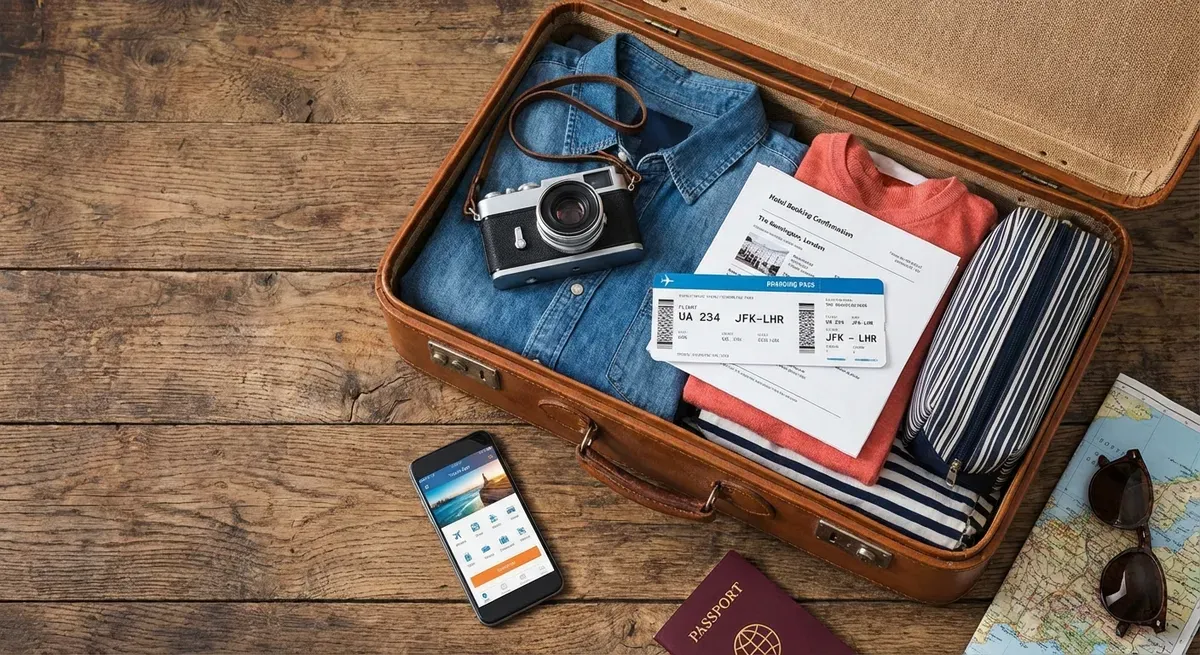
Travel planning generates more confirmation emails, booking PDFs, and scattered documents than almost any other activity. By the time your trip arrives, your itinerary details are spread across email threads, PDFs, text messages, travel apps, and printed vouchers. Creating a unified timeline of your trip on your calendar traditionally means opening each confirmation one by one and typing it in.
Photo2Calendar turns this multi-hour chore into a few minutes of scanning. Every booking — flight, hotel, tour, restaurant — scanned and saved to your calendar instantly.
The Travel Organization Challenge
A typical trip generates event information from:
- Flights: Booking confirmations, boarding passes, gate changes
- Hotels: Reservation emails, check-in/check-out times
- Tours & Activities: Vouchers, meeting point details, pickup times
- Restaurants: Reservation confirmations, addresses
- Car Rentals: Pickup/return times and locations
- Train/Bus: Tickets with departure times and stations
- Travel Insurance: Policy dates
For a one-week international trip, that's easily 15-25 separate events to track. A multi-city tour can have 40+.
Try Photo2Calendar free on iOS or Android.
How to Build Your Travel Calendar
Flights
The backbone of any trip itinerary:
- Screenshot or forward your flight confirmation email
- Import into Photo2Calendar (screenshot or copy-paste)
- AI extracts: airline, flight number, departure/arrival cities, times, terminals
- Two events created: departure flight and return flight
Pro tip: Add 1-hour reminders to flight events for travel time to the airport. Add the booking reference in the notes.
Hotels
- Screenshot the hotel confirmation or photograph the printed booking
- Photo2Calendar extracts: hotel name, address, check-in/check-out dates and times
- Creates an event spanning your stay
Add the confirmation number and contact phone in the event notes.
Tours & Activities
Tour vouchers (paper or digital) contain pickup times, meeting points, and activity details:
- Photograph the voucher or screenshot the confirmation
- AI extracts: activity name, date, time, meeting point, tour guide contact
- Save to calendar with all details
Restaurant Reservations
Whether it's a screenshot from OpenTable, a confirmation text, or a card from the restaurant — scan it. The AI captures the restaurant name, date, time, and address.
Ground Transportation
Airport transfers, car rentals, train tickets — each has a pickup time and location. Photograph or screenshot the confirmation and add it to your travel calendar.
The Complete Travel Calendar Workflow
Before the Trip (1-2 Weeks Out)
- Create a dedicated "Trip: [Destination]" calendar with a distinctive color
- Go through your email and scan every booking confirmation
- Photograph any printed vouchers or documents
- Add buffer events (arrive at airport 2h early, hotel transfer time)
- Set reminders: day-before checklist, morning-of departure alert
During the Trip
- Scan any new reservations or bookings made on the go
- Voice input works great: "Dinner at La Piazza tonight 7:30pm, Corso Italia 10"
- Photograph local event flyers to add to your calendar
After the Trip
Keep the travel calendar as a record. It serves as a travel journal showing where you were and when — useful for expense reports, travel blogs, or reliving memories.
Travel Example: 10-Day Italy Trip
Here's what a complete travel calendar might look like:
| Day | Events | Source Scanned |
|---|---|---|
| Day 1 | Flight LHR→FCO, Airport transfer, Hotel check-in | 3 email screenshots |
| Day 2 | Colosseum tour 9am, Cooking class 4pm, Restaurant 8pm | 2 vouchers + 1 text |
| Day 3 | Vatican Museums 8am, Wine tasting 6pm | 2 email screenshots |
| Day 5 | Train Rome→Florence, Hotel check-in | Train ticket + hotel PDF |
| Day 10 | Hotel check-out, Airport transfer, Flight FCO→LHR | 3 confirmations |
15+ events scanned and calendared in under 10 minutes.
For Business Travelers
Business travelers juggle even more logistics — conference sessions, client meetings, and corporate bookings on top of regular travel logistics. Combine our travel workflow with our business meetings approach for complete coverage.
Working with PDF Tickets
Many travel bookings arrive as PDF attachments. Photo2Calendar can read these directly — no need to screenshot. See our PDF tickets guide for the complete workflow.
Start Planning Your Next Trip
Don't let your next trip be a scavenger hunt through emails. Build a complete travel calendar by scanning every booking confirmation, voucher, and reservation.
Download Photo2Calendar free on iOS or Android and start scanning your travel documents today.