How to Convert Flyer to Calendar Event Fast
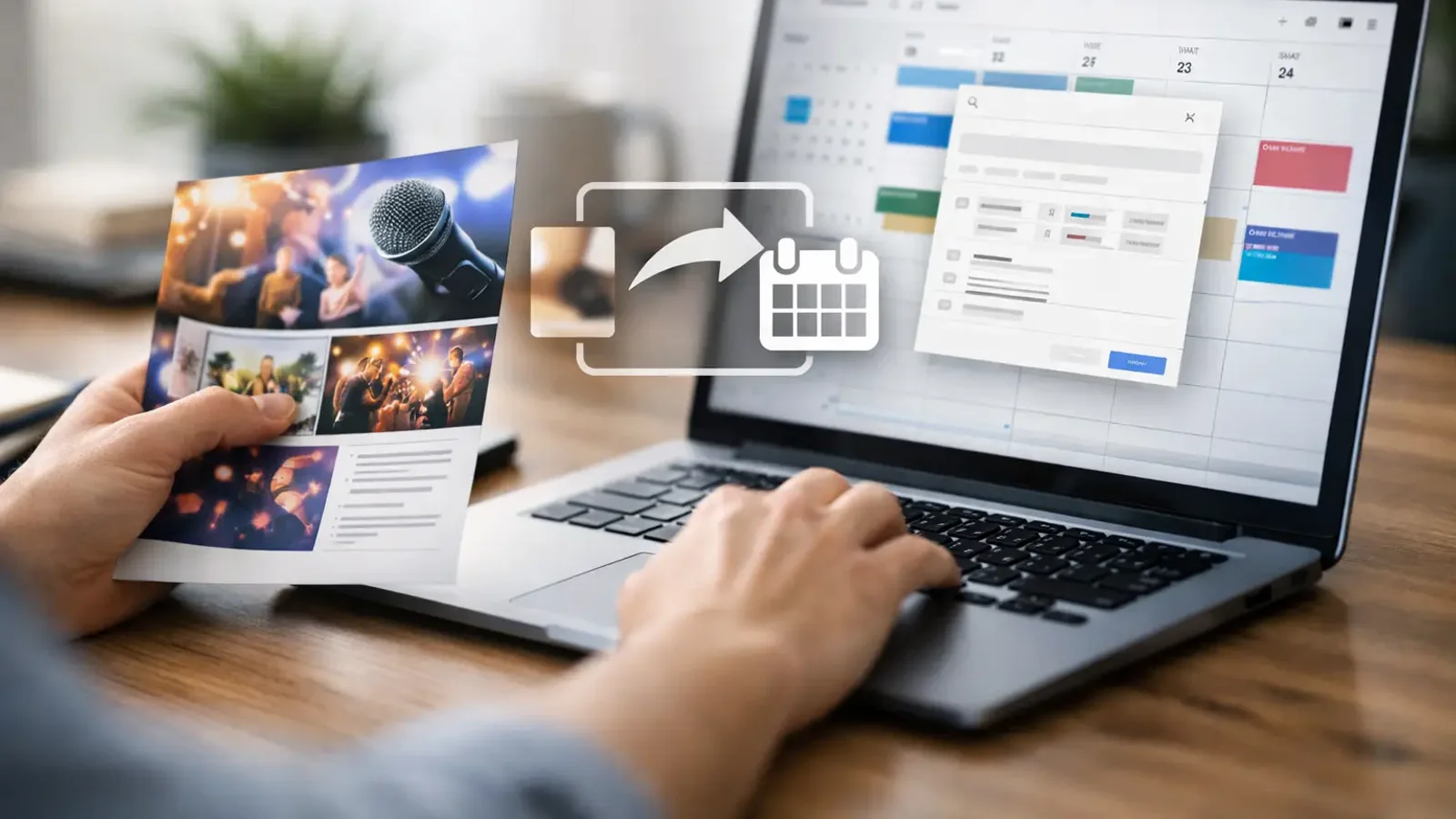
A flyer looks simple until you need the details later. You spot a school event on a bulletin board, a networking meetup in a coffee shop window, or a concert poster in a group chat. Then the real task starts: typing the title, date, time, location, and notes into your calendar before you forget. If you want to convert flyer to calendar event without the usual manual entry, there’s a faster way to do it.
The value is not just speed. It’s accuracy at the moment you discover the event. The less time there is between seeing the flyer and saving the event, the less likely you are to miss a detail, mistype the time, or forget to add it at all. For busy students, parents, freelancers, and professionals, that small gap is where plans usually get lost.
Why people want to convert flyer to calendar event
Most event information still shows up in messy formats. A printed poster. A screenshot from Instagram. A photo from a community board. A PDF from school. A text-heavy image in a work chat. None of these are calendar-ready, even though they already contain everything you need.
That creates a repetitive problem. You read the flyer, switch apps, create a new event, type everything out, double-check the address, and hope you didn’t miss the start time or write the wrong month. It only takes a minute or two each time, but those minutes stack up quickly. More importantly, manual entry adds friction, and friction is what causes missed appointments.
Converting a flyer directly into a calendar event removes that extra layer. Instead of translating visual information by hand, you capture the image and let software extract the usable details.
What makes flyer-to-calendar conversion useful
The best use case is obvious: you see an event once and need to save it immediately. That can be a parent-teacher night, a conference session, a yoga class, a client appointment on a printed handout, or a local event poster with limited details.
This matters because flyers rarely arrive when you are ready to type. You might be walking, commuting, multitasking, or scrolling quickly. In those moments, the ideal tool is one that turns the image into a structured event before your attention moves on.
There’s also a quality issue. Human copy-paste sounds easy, but flyers often include confusing layouts, small fonts, multiple dates, or extra promotional text. A good conversion flow helps isolate the actual event details: title, date, time, venue, and any notes worth keeping.
How to convert flyer to calendar event in practice
The fastest workflow is simple. Take a photo of the flyer or upload an existing image such as a screenshot, poster photo, or document scan. The app reads the visible text, identifies calendar fields, and prepares an event draft. You review the result, make any quick edits if needed, and save it to your calendar.
That review step matters. AI can save time, but flyers are not standardized. Some include multiple sessions, vague phrases like “doors open at 6,” or missing year information. The best experience is not blind automation. It’s fast extraction with a quick human check before saving.
For clean flyers with one event and clearly labeled details, conversion can feel nearly instant. For crowded designs or multi-day schedules, you may need a few extra seconds to confirm what should become one event versus several. That trade-off is still far better than entering everything from scratch.
The details that usually matter most
When people convert a flyer into a calendar event, they usually care about five fields: event name, date, time, location, and notes. If those are captured correctly, the event is usable right away.
The event name should be clear enough to recognize later. “Spring Fundraiser Dinner” is better than “Event.” Date and time need the most scrutiny, especially if the flyer uses abbreviated formats or lists several related times. The location should be complete enough for you to identify the place later, even if the flyer includes only a venue name and not a full street address.
Notes are where useful extras belong. That might include ticket information, room number, speaker lineup, RSVP instructions, or what to bring. Not every flyer needs every detail in the calendar entry. A good result is not the longest possible event note. It’s the most practical one.
When conversion works best and when it needs a quick check
Flyer-to-calendar conversion works best when the image is readable and the event information is specific. A sharp screenshot with a single event, clear date, and obvious start time is ideal. So is a well-lit photo of a printed flyer with straightforward formatting.
It gets trickier when the flyer is visually busy. Decorative fonts, overlapping text, low lighting, rotated photos, or several events on one page can all reduce accuracy. That does not mean the process fails. It just means you may need to confirm which details should be captured.
There are also judgment calls. If a flyer says “Saturday at noon” but not the full date, software may need context. If it lists “weekly every Thursday,” you may want a recurring event instead of a single entry. If there are separate start and check-in times, you’ll decide which one belongs in the main event field and which one belongs in notes.
That’s why the best tools are built for speed with control. Automation should remove tedious typing, not remove your ability to make the event accurate.
Who benefits most from converting flyers into calendar events
This is one of those features that sounds small until you use it regularly. Students can capture class schedules, club posters, and campus event announcements before they disappear into a camera roll. Parents can save school notices, sports schedules, and activity handouts the moment they get them. Freelancers and small business owners can turn printed appointments, event promos, and workshop details into actual calendar commitments instead of mental reminders.
Office professionals benefit too, especially when event details come through screenshots, conference signage, or internal announcement graphics. If your day includes a lot of incoming information in visual form, converting flyers directly into events is less of a convenience and more of a cleanup tool for your schedule.
Why this beats manual entry
Manual entry is not hard. It’s just easy to postpone. That’s the real problem.
Most missed calendar tasks happen because the event never got added in the first place. Not because someone forgot how, but because they planned to do it later. A faster capture method changes that behavior. When saving an event takes a few seconds from the image you already have, there’s much less reason to delay.
It also reduces context switching. You stay closer to the original source instead of bouncing between apps and re-reading details multiple times. That sounds minor, but repeated context switching is one of the biggest sources of everyday productivity drag.
What to look for in a flyer-to-calendar tool
If you plan to use this often, speed should come first. The whole point is reducing friction. If the app takes too many taps, forces too much cleanup, or buries the event review screen, the benefit drops quickly.
Accuracy matters next, especially for date and time extraction. A useful app should also let you edit before saving, because not every flyer is perfectly structured. Support for both photos and screenshots is important, since event details often come from digital images, not just printed posters.
A focused tool usually performs better than a general productivity app trying to do everything. Photo2Calendar is a good example of that focused approach: turn photos and text into calendar events quickly, without making users learn a broader system they don’t need.
A smarter habit for everyday scheduling
If you regularly see events in flyers, posters, screenshots, or document images, the old workflow is holding you back. Not because it is impossible, but because it asks you to do manual admin at the exact moment you’re least likely to want it.
A better habit is simple: capture now, confirm quickly, and save immediately. That’s the practical advantage when you convert flyer to calendar event instead of treating every event discovery like a typing task.
The goal is not to make scheduling feel high-tech. The goal is to make sure the plans that matter actually make it onto your calendar while they’re still in front of you.